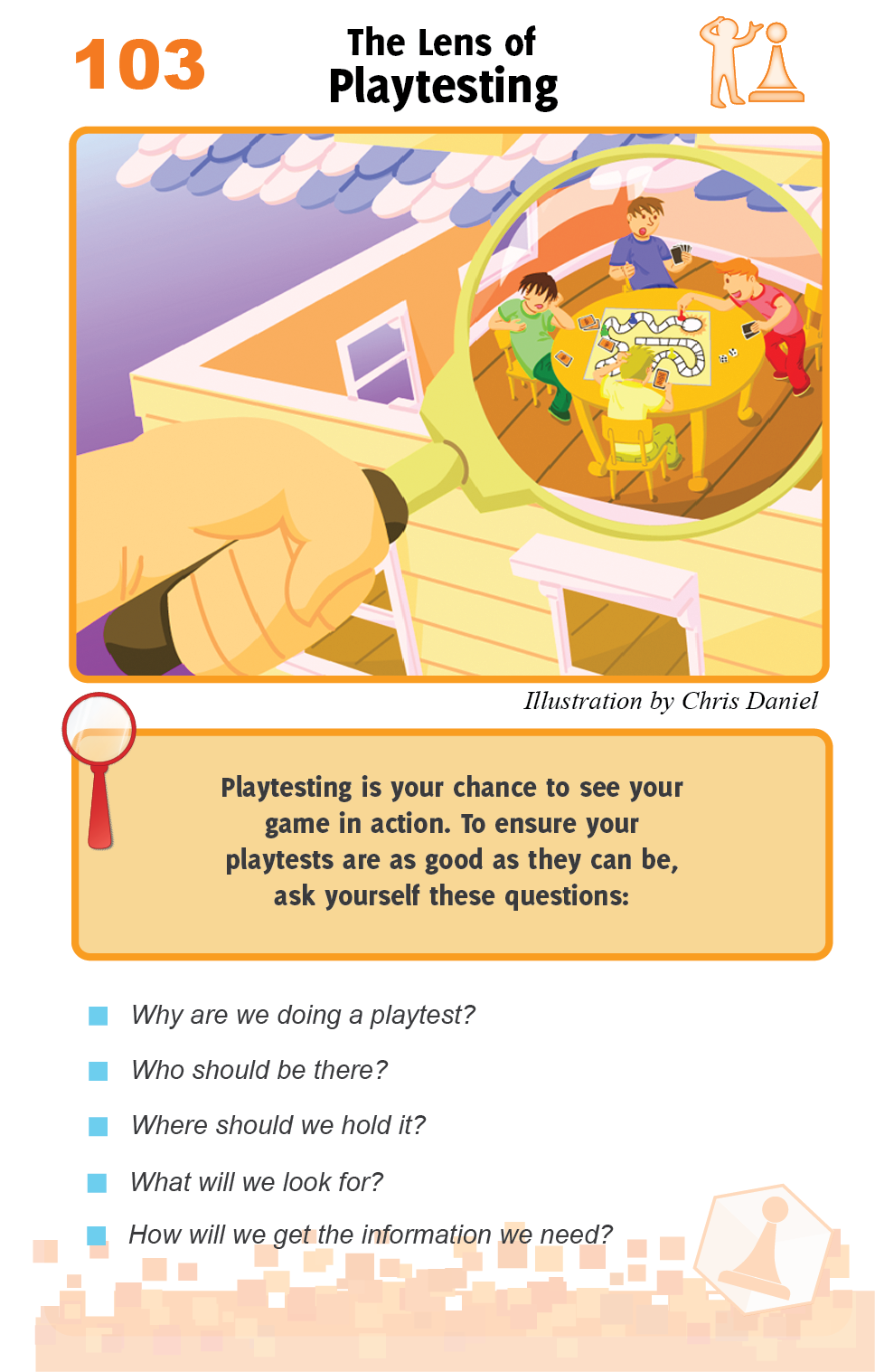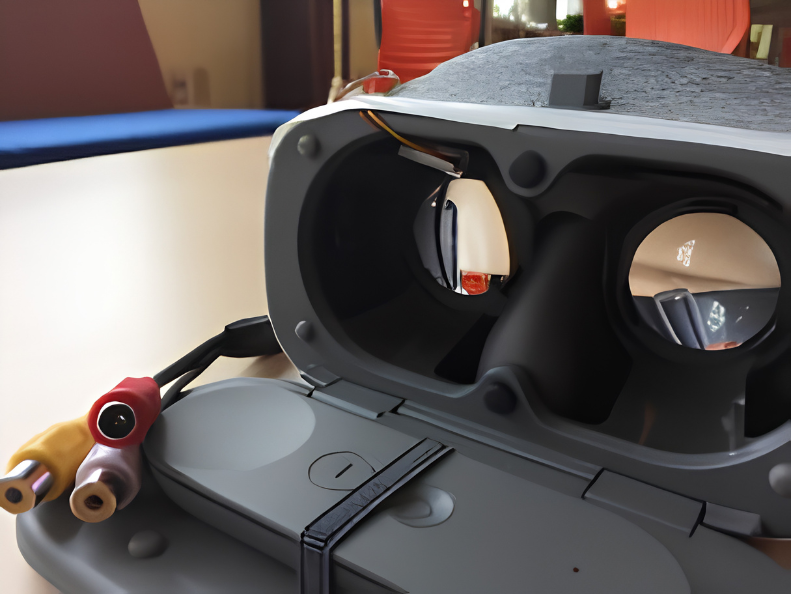
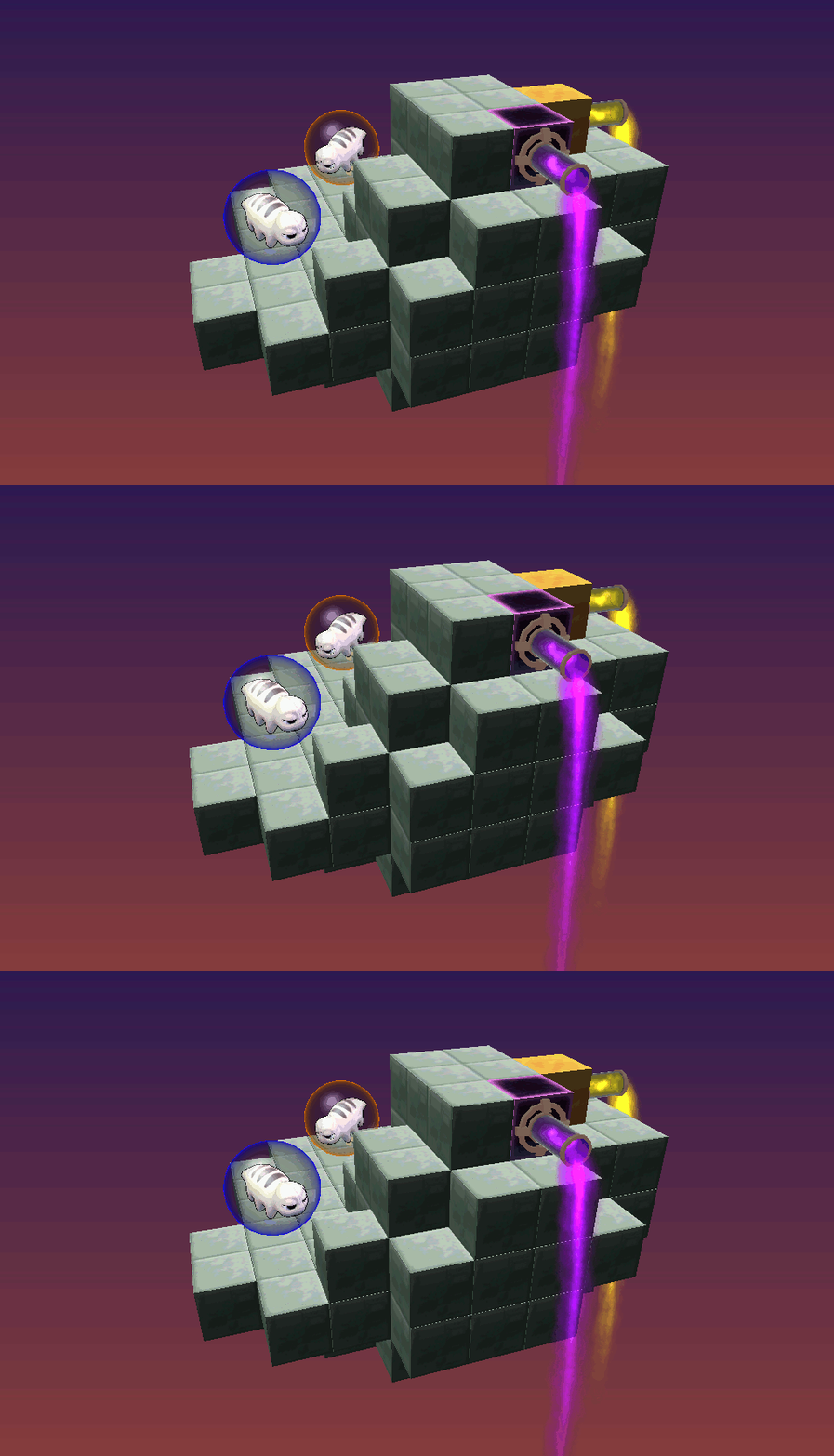
[{"content":{"text":"I've been spending a lot of time in the virtual reality\/augmented reality (VR\/AR) space lately (both at Schell Games<\/a> and in my free time!). I've worked on games and experiences for several of the major platforms including: the Oculus Rift<\/a>, the HTC Vive<\/a>, the Daydream<\/a>, and the Tango. A couple of these projects have launched as playable experiences like Water Bears VR <\/a>and LEGO BrickHeadz Builder VR.<\/a><\/em><\/p>Lately I\u2019ve been doing the bulk of my work behind-the-scenes by prototyping and playtesting new ideas in Research and Development Land<\/strong>. Since R&D Land is a mysterious iceberg of unknowable secrets, I can\u2019t talk about everything I\u2019ve been doing. That said, since I\u2019ve been working on so many disparate platforms on a variety of projects, I can tell you some of the universal, platform-agnostic patterns I\u2019ve discovered. If you\u2019ve spent any time developing experiences in virtual reality, most of these tips will be familiar. You may also want to fight me on one or two of the points I\u2019m about to make. I welcome all these things.<\/p>Without further ado:<\/p>Before You Start: Pre-Production<\/strong><\/p>Even if you\u2019ve got an awesome idea, it\u2019s a good move to take some time to do some experimentation before you start building it. For all new projects and for VR\/AR in particular, I recommend that you:<\/p>Take some time to do some design\/tech experiments before you build anything permanent.<\/strong> When you\u2019re working with technology that you\u2019re not super familiar with, this can prevent weeks of lost work chasing an idea that won't work on the platform.<\/p>Don't fight the hardware. Learn what it's good at and lean into the constraints. <\/strong>Some experiences, though technically possible to build, might not feel good on the platform you\u2019re working with. That isn\u2019t to say that you should be afraid to push the envelope; VR is still such a new space, you might find a cool solution to a difficult problem. If you\u2019re on a short timeline and don\u2019t have a lot of time to experiment, you may not want to commit to fixing a long-standing pain point like walking around without causing nausea. Instead, research the current design standards for the platform and play around with those for a while before you start designing your game. For example, you might find that while you may not be able to physically reach out and grab things using the Daydream remote, you can design a cool way to leverage its touchpad to move and rotate objects instead.<\/p>Porting experiences between platforms is possible but difficult. <\/strong>Some games translate well between platforms, but others really, really<\/em> don\u2019t. I recommend dedicating a good chunk of time to think through all the design and mechanics changes before you dive into building a port. You may want to rebuild a lot of the controls and interfaces. In some cases, you may want to redesign the whole game. In the case of Water Bears VR<\/a>, for example, the original iPad game\u2019s puzzles were floating on an abstract background<\/a>. While it was technically possible to perform a straight port from iPad to Vive, we all agreed that floating in a strange nether-space next to a puzzle would feel too strange and confusing in VR, particularly since your feet wouldn\u2019t be resting on anything as you walked around the space. Instead, we opted to design and build a new island world for the puzzles to exist in as well as a suite of VR-specific interfaces<\/a> that replaced the abstract mobile buttons from the original game.<\/p>Example: Water Bears<\/em> interfaces - iPad vs. Vive (we worked for a while to find a good way to translate the abstract puzzle experience on the iPad into a fully immersive VR world)<\/p>"},"id":"86058386-ffce-4914-877c-57c81f06a49a","isHidden":false,"type":"textBlock"},{"content":{"location":"kirby","image":["file:\/\/kPH3LcEy91jcwnDs"],"src":"","alt":"","caption":"","link":"","ratio":"","crop":"false"},"id":"5fb0cea1-9078-4ec2-a09a-dbbdb9999b06","isHidden":false,"type":"imageBlock"},{"content":{"location":"kirby","image":["file:\/\/39JRUpqrCpIpPtEQ"],"src":"","alt":"","caption":"","link":"","ratio":"","crop":"false"},"id":"e8564663-1b10-4408-af6e-c6d2452be5a0","isHidden":false,"type":"imageBlock"},{"content":{"text":"Time to Design: An Incomplete List of Things We\u2019ve Messed With<\/strong><\/p>Important caveats here: this is both an incomplete and a subjective list. There are dozens of lectures and articles on what you should and shouldn\u2019t do in VR. Think of this as a jumping off point for your own brainstorming.<\/em><\/p>Things that usually feel good<\/strong><\/p>Throwing stuff<\/p>Examining small objects<\/p>Interacting with characters that can move freely in the space around you<\/p>Giving an object to another character<\/p>Building\/customizing an object out of pieces<\/p>Getting up close to objects in 6-DOF (six degrees of freedom) space<\/p>Designing small, polished surprises (gestures that cause an effect, easter egg character interactions, etc.)<\/p>Things that only feel good in very specific circumstances (danger all ye who enter here<\/em>):<\/strong><\/p>Attaching stuff to your face (heads up displays, subtitles in VR)<\/p>Flying objects too close to your face, particularly near your eyes<\/p>Facing gameplay objects\/characters away from you<\/p>Placing and rearranging tiny pieces<\/p>Anything that requires a high degree of fine motor skill - remember that the current generation of VR hands gives you roughly the same level of dexterity as if you were wearing oven mitts<\/p>Sanding the Rough Edges<\/strong><\/p>Once you start building your game:<\/p>Make exploring safe. <\/strong>Nothing is more frustrating than pushing a button and erasing all your progress. Use previews, confirmation modals, undo options, tutorials, and short gameplay loops to make the player feel comfortable exploring the experience.<\/p>Preview everything. <\/strong>Whether you\u2019re placing a game piece, coloring an object, or pressing a button, you should let the player know what they\u2019re about to do if there\u2019s going to be an important change to the game\u2019s state. I\u2019m not talking about surprises--pleasant or awe-inspiring surprises can be a ton of fun in VR. Unless the game is designed to be confusing, a player can go from having fun to hating the game in about five seconds if the game responds in a way they did not expect. This effect is compounded when the player has to redo a bunch of work when they make a mistake. How do you prevent their very understandable rage? If the player is placing a piece on a sculpture\/puzzle, preview exactly where that piece will snap when they let go. Put hints on buttons. Highlight the object that a player\u2019s pointing at. Good previews keep a player immersed; bad or incomplete previews can make a game feel broken.<\/p>Take whatever method you were going to use to get the player's attention and double it. <\/strong>Even when players appear to be looking directly at an important feature in the game, they might not notice it. It can be very difficult to guarantee that a player is even looking in the right direction, let alone paying attention to the important event. Use sound, fast visual effects, and color changes to get the player\u2019s attention. If your game has characters, you can use body language, pointing, and verbal cues to direct the player where you want them to look.<\/p>Keep text short. <\/strong>Short instructional text can be a good thing. Paragraphs of prose, on the other hand, aren't great in VR. This isn\u2019t a hard and fast rule, but by and large your eyes are going to start to hurt after a few sentences.<\/p>Playtesting<\/strong><\/p>As always, playtest early and playtest often<\/a>. For VR and AR, keep in mind that you should consider the following:<\/p>Build the game first, then build the tutorial.<\/strong> Web sites, first person shooters, and mobile apps have been around long enough for good design standards to have settled. VR is still too new. There aren\u2019t many interactions that feel \"intuitive\" yet. Some interactions everyone will pick up right away, but there are usually a few with no right answer. For example, rotation controls and which trigger to use to grab vs. activate an object are common points of contention that I\u2019ve seen in more than one project. Playtest early in development to find these tricky interactions, pick a standard for those, and tutorialize them.<\/p>Find a way to see what the player is seeing. <\/strong>As a last resort, stick a spy camera in the headset (thanks, Shawn!) The \"so what do you see?\" style of playtesting is worse than being able to see for yourself.<\/p>"},"id":"f84ba1fb-10b4-4c93-ae9d-cf211c5040c8","isHidden":false,"type":"textBlock"},{"content":{"location":"kirby","image":["file:\/\/q4yWHRyIpmIiCE8y"],"src":"","alt":"","caption":"\u200bDaydream headset with a spy camera attached to the inside","link":"","ratio":"","crop":"false"},"id":"5b348180-f3f0-4655-96d9-b6bb0adf4376","isHidden":false,"type":"imageBlock"},{"content":{"text":"Make sure to test on a large age range. <\/strong>Kids' play styles often differ from adults'. They may also not be able to easily reach controls, they may focus on different objects in the scene, and they may follow directions in a way you didn\u2019t expect.<\/p>That\u2019s all for now, folks. VR is a huge space and there\u2019s no way I can cram everything I\u2019d like to talk about into a page of text. I like talking to people about virtual reality<\/strong>. This article is actually an invitation to talk more about it. If you\u2019re new to the space, you\u2019ll probably have more questions. If you\u2019re a veteran, you may want to argue the finer points. Either way, you should email me at mabraham@schellgames.com<\/a> so we can talk more about VR. Do it.<\/p>"},"id":"5cc0a39f-b3b8-4b87-a01e-15969fadf9da","isHidden":false,"type":"textBlock"}]